
September 22, 2026 · Anaheim Cell Phone Repair Blog
How to Protect Your Phone Data Before a Repair
Before any repair, protect the information that matters most with a verified backup and a few simple security steps.
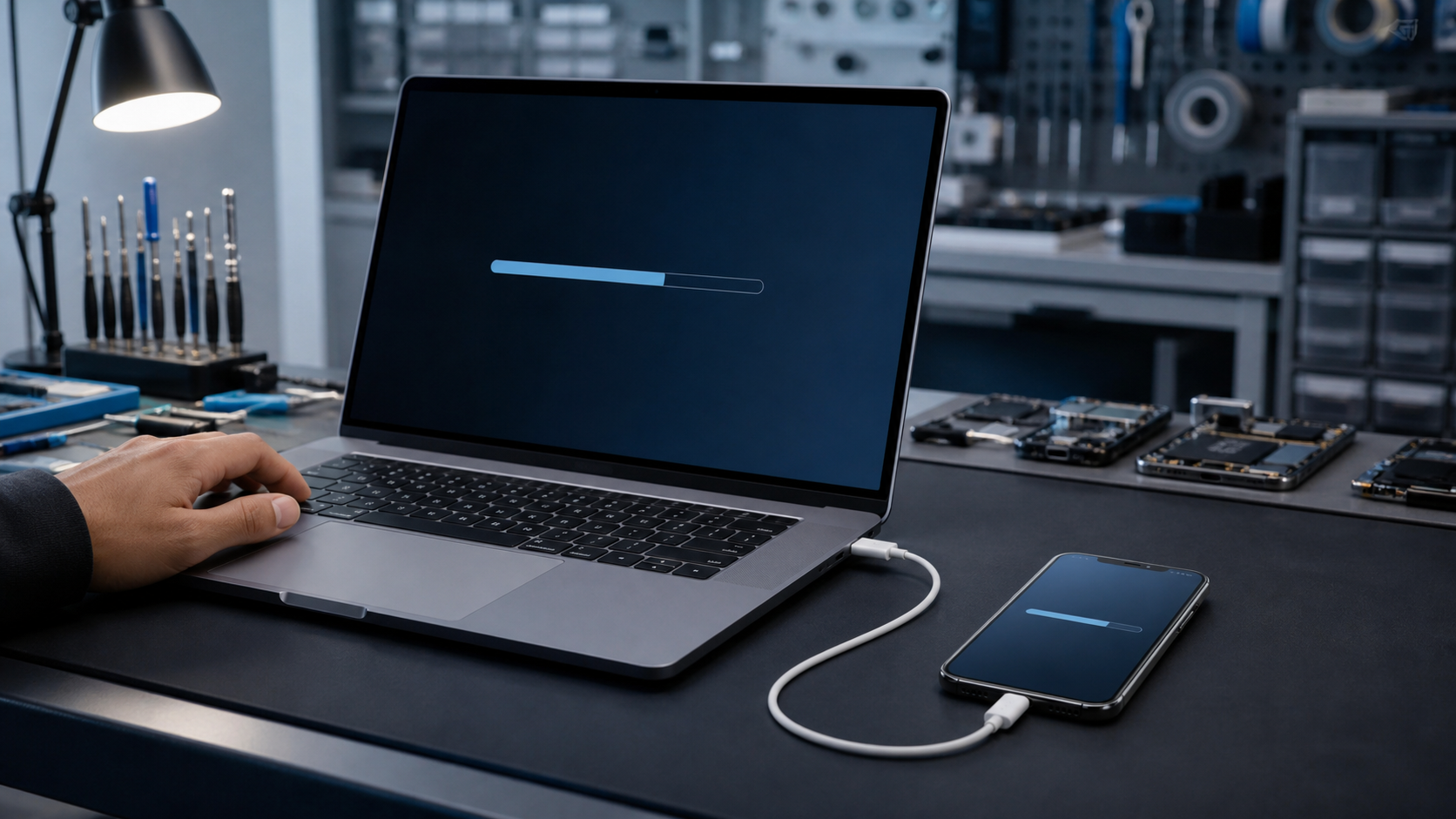
Back up the data you cannot replace
Use iCloud, Google backup, a computer, or another service you trust to save photos, contacts, messages, and app data. Check the most recent backup date and make sure important folders are included. If the phone is unstable, avoid repeated restarts or charging attempts just to complete a backup.
Keep accounts secure
Do not give a repair shop your Apple ID, Google password, banking credentials, or email password. A passcode may be needed for functional testing while you are present, and activation-lock settings may need your approval. Ask what access is actually needed for the repair.
Document the condition
Take a few photos of the phone and note the symptoms before drop-off. Remove cases, payment cards, and personal accessories. After pickup, confirm your core functions work, restore any needed data, and re-enable security settings you changed for service.