


iPad screens and touch
We assess cracked glass, dark areas, bent corners, dead touch zones, and display problems that followed an impact.
An iPad is often more than a screen: it may be a school device, a work tool, a point-of-sale tablet, or the family device everyone shares. We identify the generation and the affected function, then explain what a repair would address.
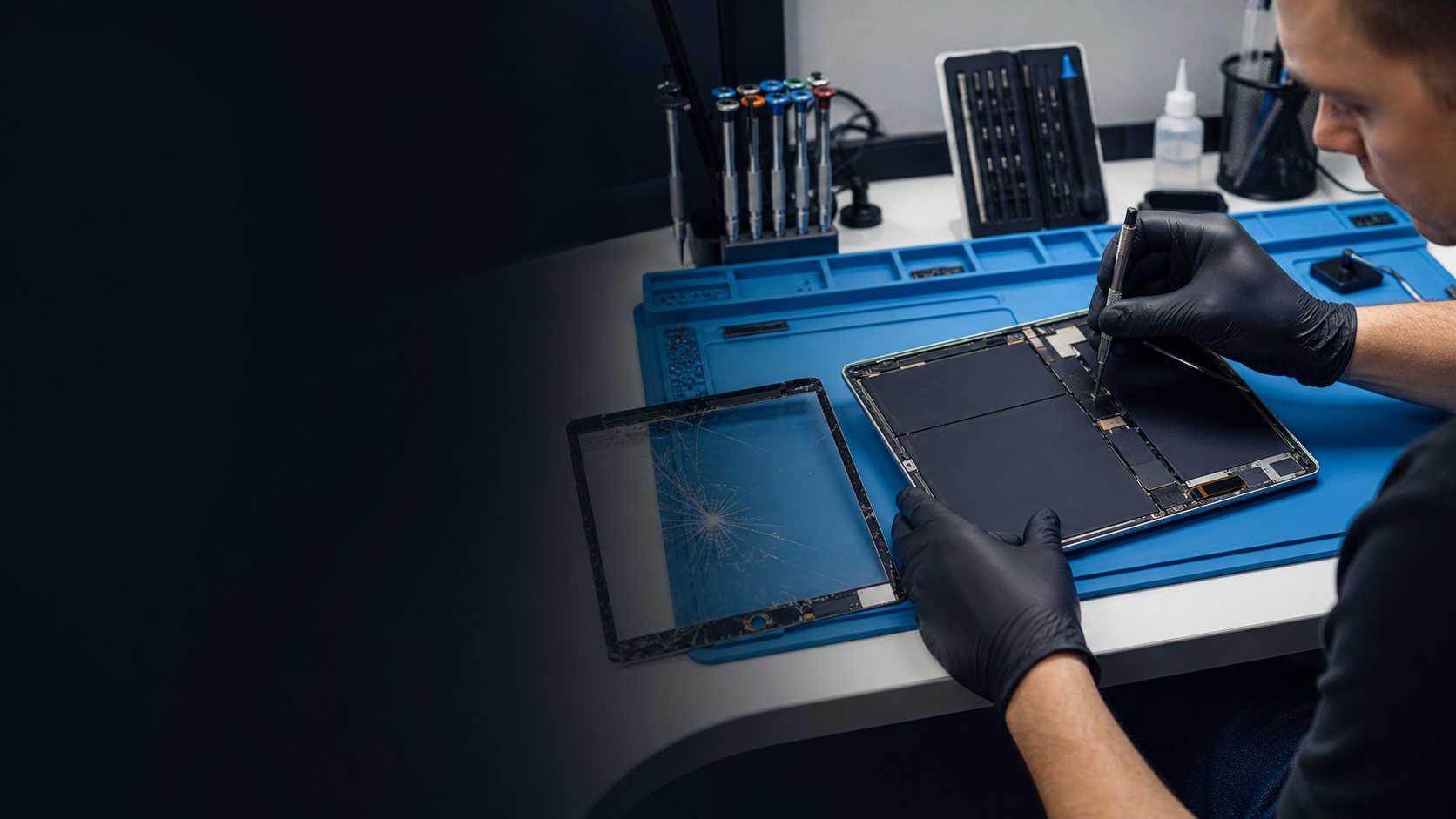
Add an iPad display, tablet repair, or before-and-after photo.
Add a repaired iPad in a classroom, work, or counter setting.
A school iPad, work tablet, family device, and point-of-sale screen each need a repair decision that considers how it is used—not merely what part looks damaged.
We assess cracked glass, dark areas, bent corners, dead touch zones, and display problems that followed an impact.
Short battery life, slow charging, loose cables, and an iPad that will not charge need the model and symptoms checked together.
Cameras, speakers, buttons, Wi-Fi, and accessories may be relevant when an iPad is used for class, meetings, or mobile work.
Open a repair path to see the details a diagnosis needs and the next step that makes sense.
We assess cracked glass, dark areas, bent corners, dead touch zones, and display problems that followed an impact.
Short battery life, slow charging, loose cables, and an iPad that will not charge need the model and symptoms checked together.
Cameras, speakers, buttons, Wi-Fi, and accessories may be relevant when an iPad is used for class, meetings, or mobile work.
Share what changed, when it began, and whether a drop, water exposure, or charging problem was involved.
We check the relevant function and explain what the diagnosis supports before work starts.
You can approve the repair, ask questions, and understand timing and warranty information.
A useful repair recommendation starts with the exact model, what changed, and what you need the device to do next. That context helps separate a focused hardware repair from a broader diagnosis or a replacement conversation.
Bring the iPad or share the model information from Settings if it is still usable. iPads vary by generation and display construction, so the exact model matters for a quote and timing.
If glass is lifting, sharp, spreading, or touch is unreliable, continued use can worsen the damage. Back up the device if possible and have it inspected.
Yes. The cable, adapter, port, battery condition, and internal hardware can all affect charging. Bring the normal charger when convenient so we can understand the complete symptom.
Call, book a repair time, or contact us with the model and symptoms you are seeing.
 Diagnosis first
 Clear recommendation
 01
01
 Book a repair