
Know the cost before you commit
Review the diagnosis and estimate before approving work.
From one work phone to a group of tablets and laptops, give your team a local repair partner. Clear estimates, repair tracking, and Net 30 billing for approved business accounts.

Less uncertainty around the device. Clearer decisions for the people responsible for it.
Bring a single problem device or tell us about a group. We assess each device and confirm the work it needs.
Screens, batteries, charging, cameras, audio, and no-power concerns across the phones your staff uses.
Broken displays, touch faults, charging trouble, and battery problems on devices used in the office, classroom, or field.
Power, charging, display, battery, and other hardware concerns. Share the model and symptoms before the visit.
Tell us about the tablets or handheld devices used at your counter or on the job so we can confirm service options.
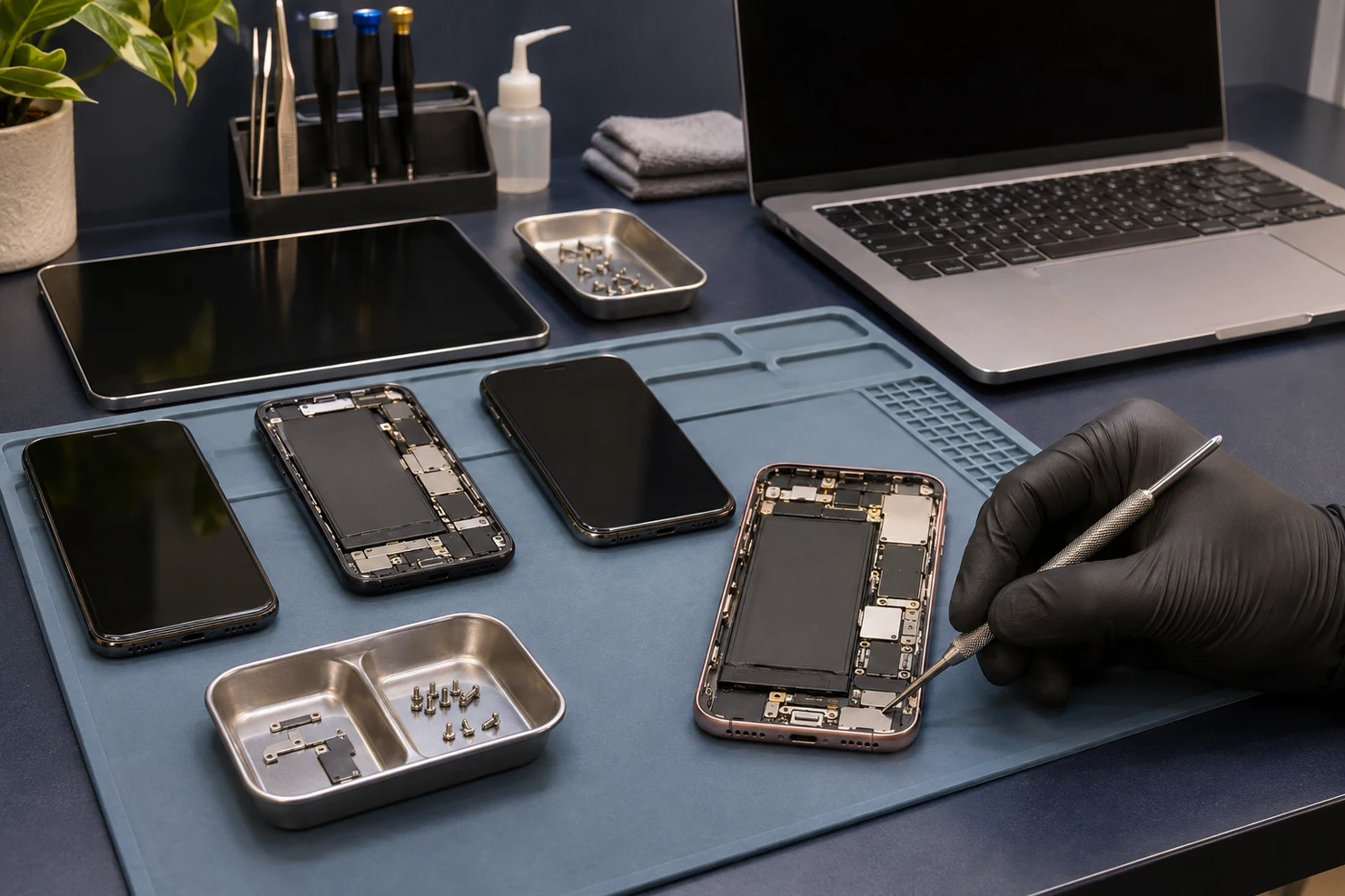
Replacing a device can also mean setting it up, moving accounts, and getting an employee working again. A repair assessment gives you another option—and the information to decide whether it makes sense.
A workflow that fits the people using the device, approving the repair, and keeping the records.
Share the model, symptoms, employee or department reference, urgency, and approval contact. For several devices, include the quantity and device mix.
We assess the device and explain the proposed work and estimate. Tell us about your approval requirements before authorizing repair.
Once the work is approved, use repair status to follow the job. Discuss any deadline with us so timing can be confirmed for the device and parts involved.
Collect the device with repair details and invoice documentation. Keep the repair reference with your internal device records for the next time it needs attention.

Keep repair spending easier to reconcile with itemized repair documentation and invoices. Net 30 billing is available for approved business accounts.
A few details help us give your team a more useful answer.
Tell us what is affected and how it is interrupting work. If there is a deadline, mention it before the visit so we can discuss the available options.
A simple device list is a useful starting point. Describe each fault separately so your team can review the findings and decide what to approve.
Tell us how devices are used and where repairs create friction. We can discuss intake, communication, documentation, and business-account requirements.
No. We support a single business device, several repairs at once, and conversations about recurring needs. Tell us what your team uses and what needs attention.
Yes. Net 30 invoicing is available for approved business accounts. Contact us to discuss account approval and the billing details your organization needs.
Yes. Use the repair-status page with your repair information to follow the job. Keep that reference with your internal device record.
Tell us who approves the work and what information they need. We provide a diagnosis and estimate before repair so the right person can make the decision.
Mention data access and backup needs before service. Back up a working device when possible, and ask about data-recovery options if the device is damaged or unresponsive. Do not send passwords or device passcodes through the enquiry form.
Timing depends on the model, fault, device condition, parts, and workload. Share your deadline early; we will discuss realistic timing after reviewing the request.
Yes. We inspect the device and explain the findings, repair estimate, and relevant condition. Your team can compare that information with its replacement and setup needs before deciding.
Talk with our Anaheim team about the devices your business relies on and the repair support you need.


 Book a device drop-off