


Laptop power and display issues
We start with whether the laptop powers on, shows an image, accepts a charge, and whether the issue followed a drop, spill, or update.
A charging issue, noisy fan, display failure, damaged port, overheating, or power problem needs the laptop model and recent history before a recommendation is made. That gives you a clearer path for a work, school, or home computer.
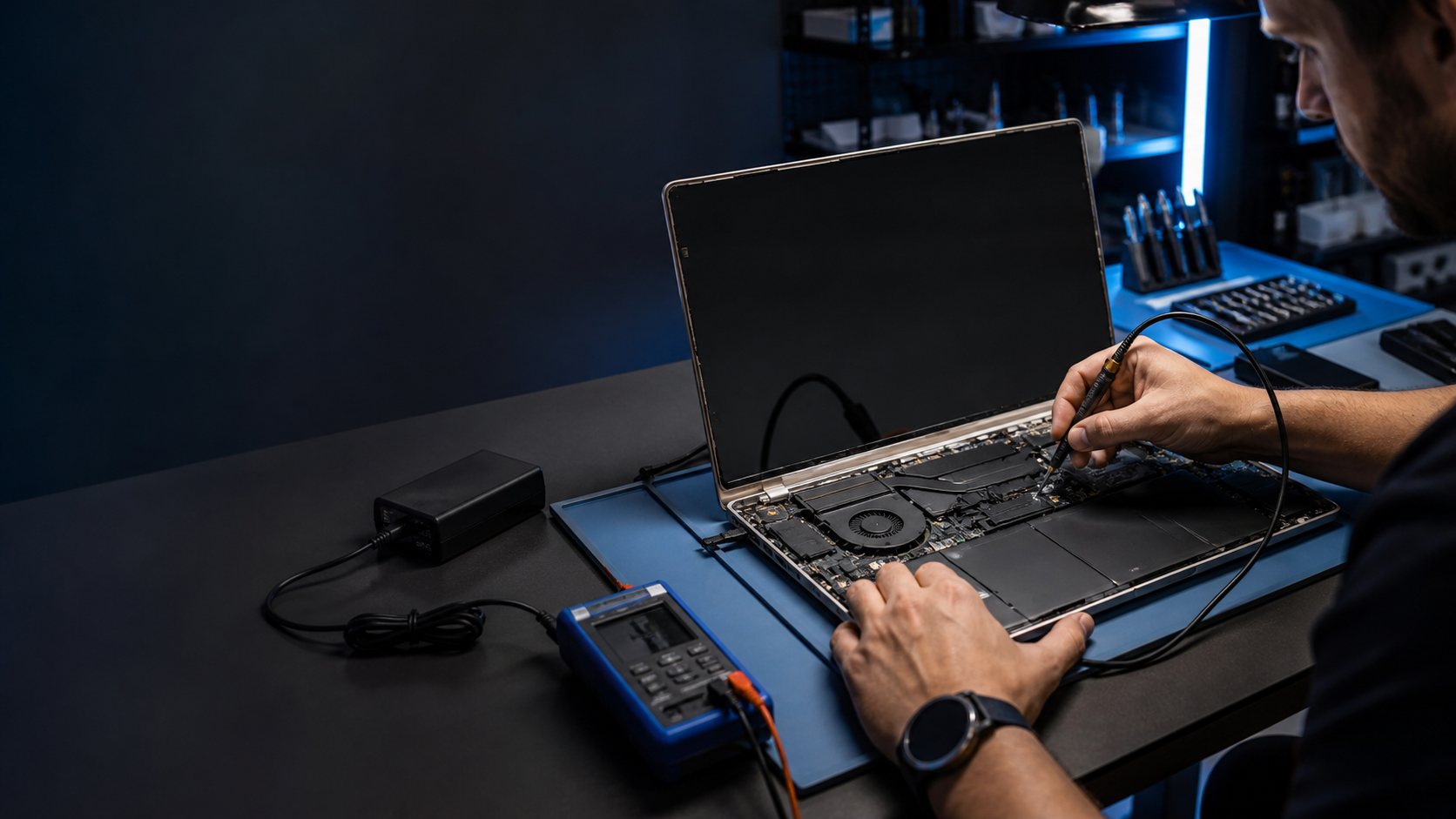
Power, heat, display, charging, keyboard, ports, and storage problems can look alike at first. Bring the usual power adapter and describe when the issue occurs so the symptom can be understood in context.
We start with whether the laptop powers on, shows an image, accepts a charge, and whether the issue followed a drop, spill, or update.
Battery life, charging ports, power adapters, USB connections, and docking concerns need model-specific evaluation and clear expectations.
Keys, trackpads, fans, heat, screens, and storage concerns are evaluated around the laptop model, how it is used, and the symptoms you noticed.
The order matters: identify the device, confirm the behavior, then choose a repair path with clear expectations.
The model, the affected function, and any impact, moisture, or power event help focus the inspection.
We use the visible behavior—not a generic assumption—to identify the most useful repair discussion.
You receive the repair path, timing conversation, and information needed to decide what happens next.
Add a laptop, board, keyboard, screen, or technician bench photo.
Add a laptop battery, fan, port, keyboard, or diagnostic photo.
Share what changed, when it began, and whether a drop, water exposure, or charging problem was involved.
We check the relevant function and explain what the diagnosis supports before work starts.
You can approve the repair, ask questions, and understand timing and warranty information.
A useful repair recommendation starts with the exact model, what changed, and what you need the device to do next. That context helps separate a focused hardware repair from a broader diagnosis or a replacement conversation.
Bring the laptop and its power adapter. If the issue involves a specific dock, cable, or display connection, bring that too when practical so the symptom can be reproduced.
Yes. Tell us when the heat or fan noise starts, whether performance has changed, and whether the laptop was dropped, exposed to liquid, or recently updated.
Hardware work is intended to address the device problem, but any functioning computer should be backed up first. If it will not start, explain what happened so realistic recovery options can be discussed.
Call, book a repair time, or contact us with the model and symptoms you are seeing.
 Clear recommendation
 Device-specific next step

 Book a repair