


 Inspection first
Possible cause
Debris in the speaker grille, water exposure, impact damage, and speaker failure can reduce volume or create crackling.
Low volume, crackling, or no sound can be caused by debris, water exposure, or a damaged speaker. Get clear repair options.
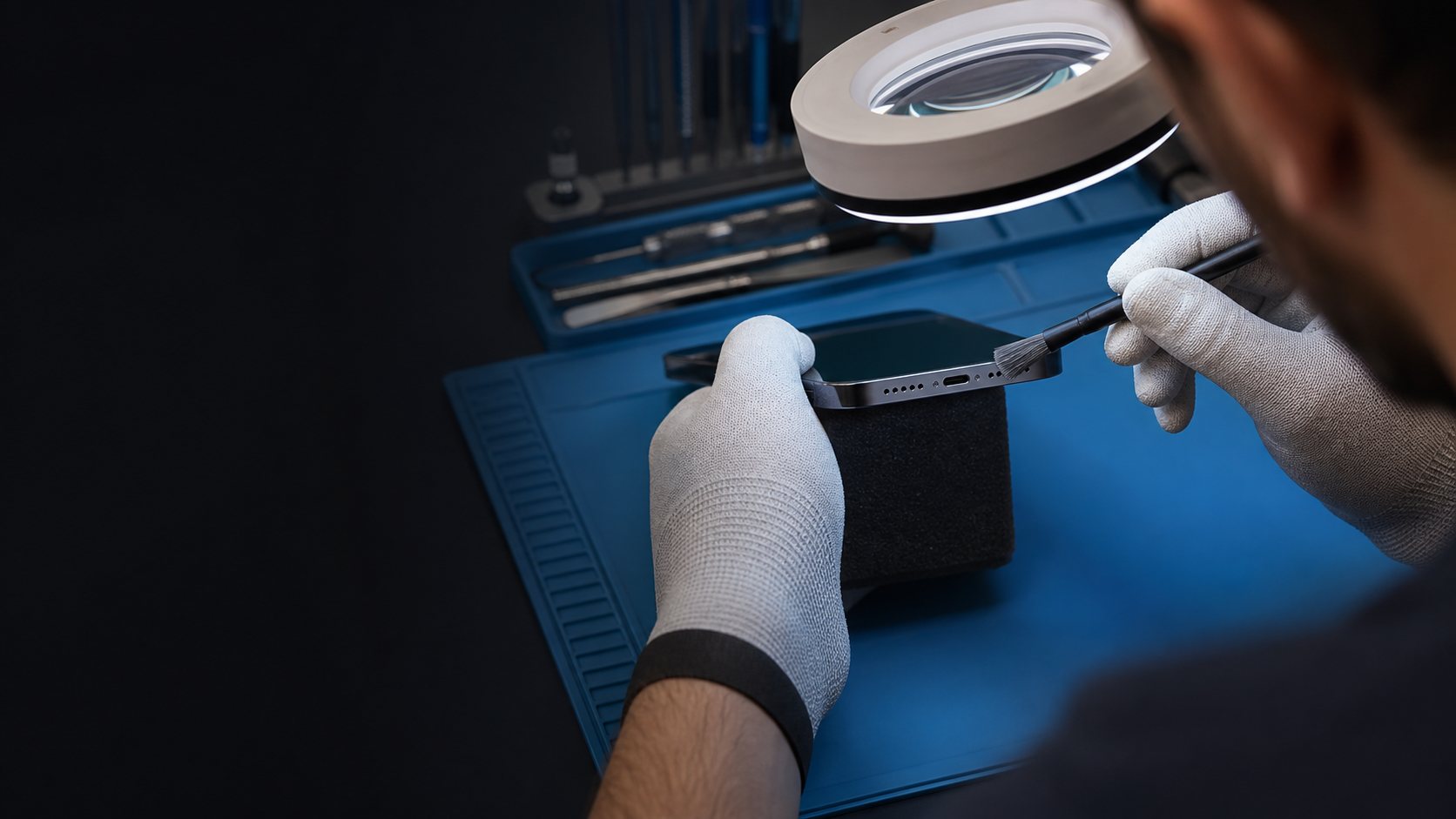
Debris in the speaker grille, water exposure, impact damage, and speaker failure can reduce volume or create crackling.
These details help you protect the phone and give ACPR the information needed for a specific recommendation—not a generic guess.
A quiet earpiece, bottom speaker, or distorted audio can be caused by a case, Bluetooth connection, debris, water exposure, software setting, or a damaged speaker. Testing more than one app and call mode helps identify which path is affected.
Do not push needles, liquid, or compressed force through a speaker opening. A soft dry brush on the exterior is safer; water exposure, crackling, and persistent low volume deserve a proper inspection.
ACPR can test the relevant speaker, call modes, and visible opening condition to explain whether cleaning, a speaker repair, or another phone issue is the likely path. You get options based on the behavior you are hearing.
The order protects the device and makes the diagnosis more useful.
Remove any case that covers the speaker and test volume in more than one app. Avoid using sharp objects in the grille; schedule an inspection if sound remains weak.
Debris in the speaker grille, water exposure, impact damage, and speaker failure can reduce volume or create crackling.
Bring the device and the relevant cable or accessory so we can explain a realistic next step.
The right repair starts with the symptoms you notice, not a guess.
Debris in the speaker grille, water exposure, impact damage, and speaker failure can reduce volume or create crackling.
Remove any case that covers the speaker and test volume in more than one app. Avoid using sharp objects in the grille; schedule an inspection if sound remains weak.
For speakers, microphones, cameras, charging issues, and more.
Test calls, music, and alerts with the volume up and any Bluetooth device disconnected. Low sound in every mode points more toward the phone speaker or grille.
Yes. Water can muffle or distort sound and may damage the speaker over time. Do not use heat or sharp tools to try to dry the grille.
Use a soft, dry brush only on the outside. Avoid liquids, needles, and compressed force that can push debris farther in or damage the mesh.
Call, reserve a repair time, or contact us with the symptoms you are seeing.
 Clear repair options