


Pixel screen repair
Cracks, green lines, flickering, touch problems, and a black display can involve more than the outer glass.
Pixel phones combine distinctive displays, cameras, batteries, and charging systems across several generations. Let us know the model, what changed, and whether the issue began after a drop, moisture exposure, or a charging problem.
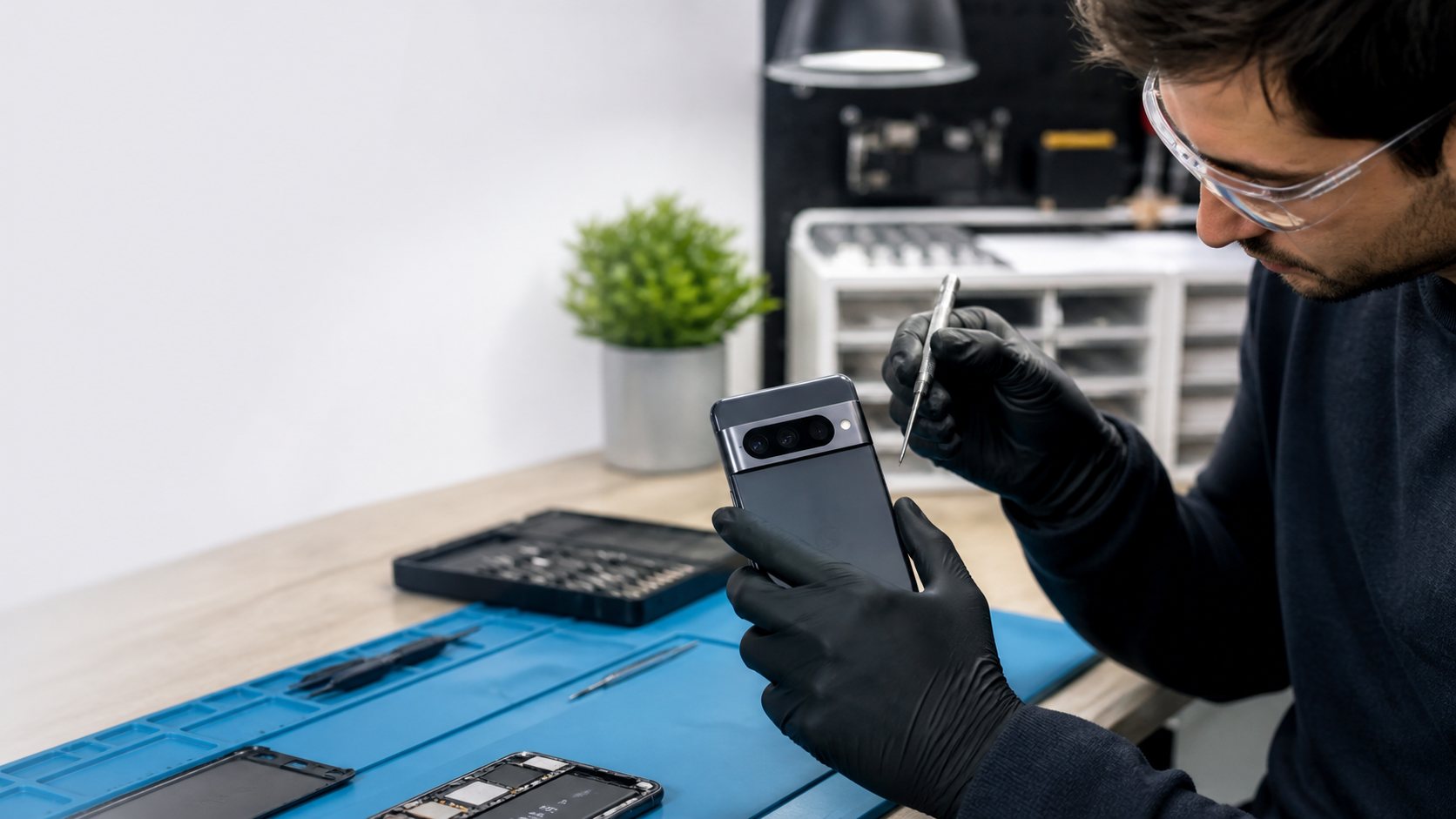
Whether the issue is a dark display, charging heat, camera focus, or connectivity, the quickest route to a useful answer is the exact Pixel model and when the behavior changed.
Cracks, green lines, flickering, touch problems, and a black display can involve more than the outer glass.
Fast drain, overheating, shutdowns, slow charging, and loose cables should be evaluated together rather than assumed to be one problem.
Blurry photos, focus failure, lens damage, Wi-Fi, Bluetooth, and signal problems deserve a clear cause before a repair decision.
The order matters: identify the device, confirm the behavior, then choose a repair path with clear expectations.
The model, the affected function, and any impact, moisture, or power event help focus the inspection.
We use the visible behavior—not a generic assumption—to identify the most useful repair discussion.
You receive the repair path, timing conversation, and information needed to decide what happens next.
Add a Pixel display, front glass, or before-and-after repair photo.
Add a Pixel camera bar, charging-port, or diagnostic photo.
Share what changed, when it began, and whether a drop, water exposure, or charging problem was involved.
We check the relevant function and explain what the diagnosis supports before work starts.
You can approve the repair, ask questions, and understand timing and warranty information.
A useful repair recommendation starts with the exact model, what changed, and what you need the device to do next. That context helps separate a focused hardware repair from a broader diagnosis or a replacement conversation.
The exact Pixel model, the symptom, and any recent drop, moisture exposure, or software change are the most useful starting points. Bring the phone and its usual charging cable if charging is part of the problem.
Yes. Those symptoms help separate a display issue from a full no-power condition. We inspect the device and explain what can be verified before work begins.
Heat can be related to the charger, cable, battery condition, software activity, or internal damage. Stop charging if the device becomes unusually hot and have it checked.
Call, book a repair time, or contact us with the model and symptoms you are seeing.
 Symptom-based diagnosis
 Clear next step

 Book a repair