
Nintendo Switch (original)
Detachable Joy-Con controllers
Original Nintendo Switch, Switch Lite, or Switch 2—we repair joystick problems, damaged charging ports, and broken screens, and troubleshoot consoles that will not work as they should.
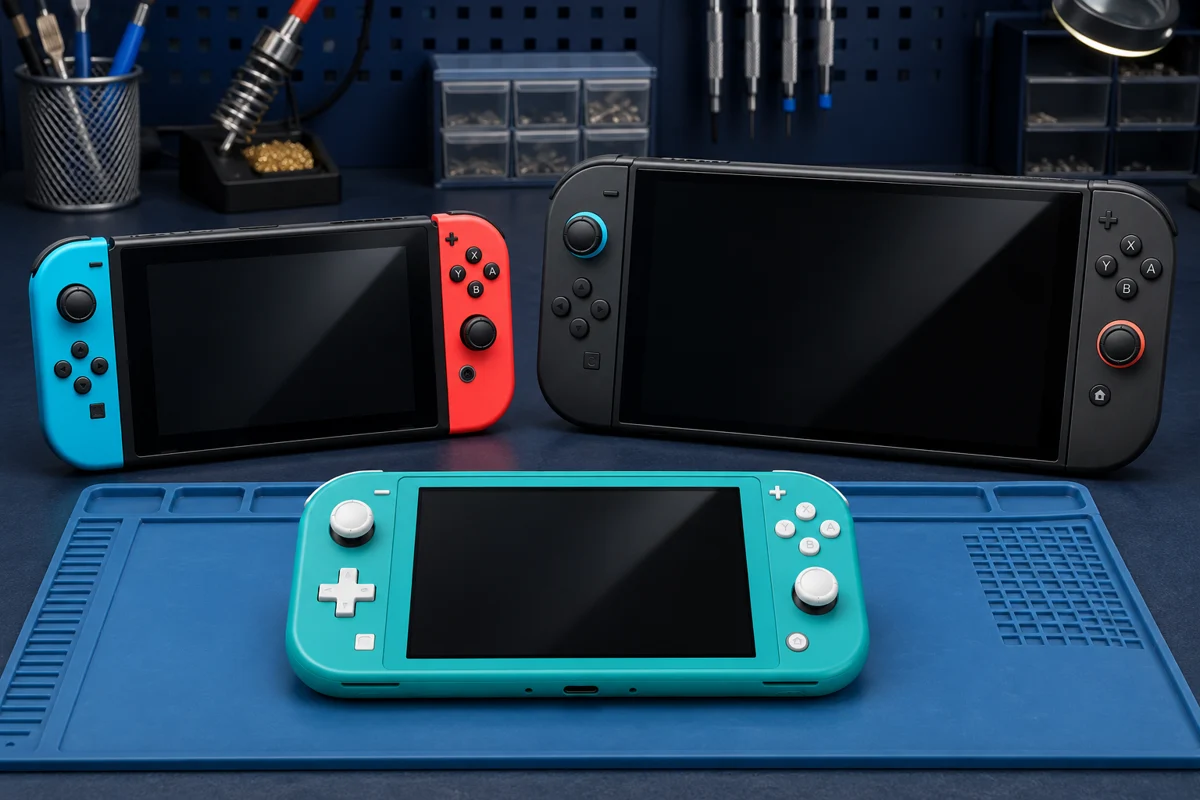
The parts and repair approach depend on your console. Let us know which model you have when you book.
Tell us your Switch model and what happens when you try to use it. We will check the fault and explain the repair options.
Drifting, sticking, or unresponsive sticks? We replace faulty joysticks in Joy-Con, Joy-Con 2, and Switch Lite built-in controls.
Loose connections, damaged USB-C sockets, or charging that cuts in and out. We inspect the port and charging circuit before recommending work.
Cracked glass, lines, dark areas, or touch problems. We assess the display and explain which screen parts your model needs.
No power, charging trouble, controls acting up, or a console that will not behave normally. Start with a diagnosis of the actual fault.
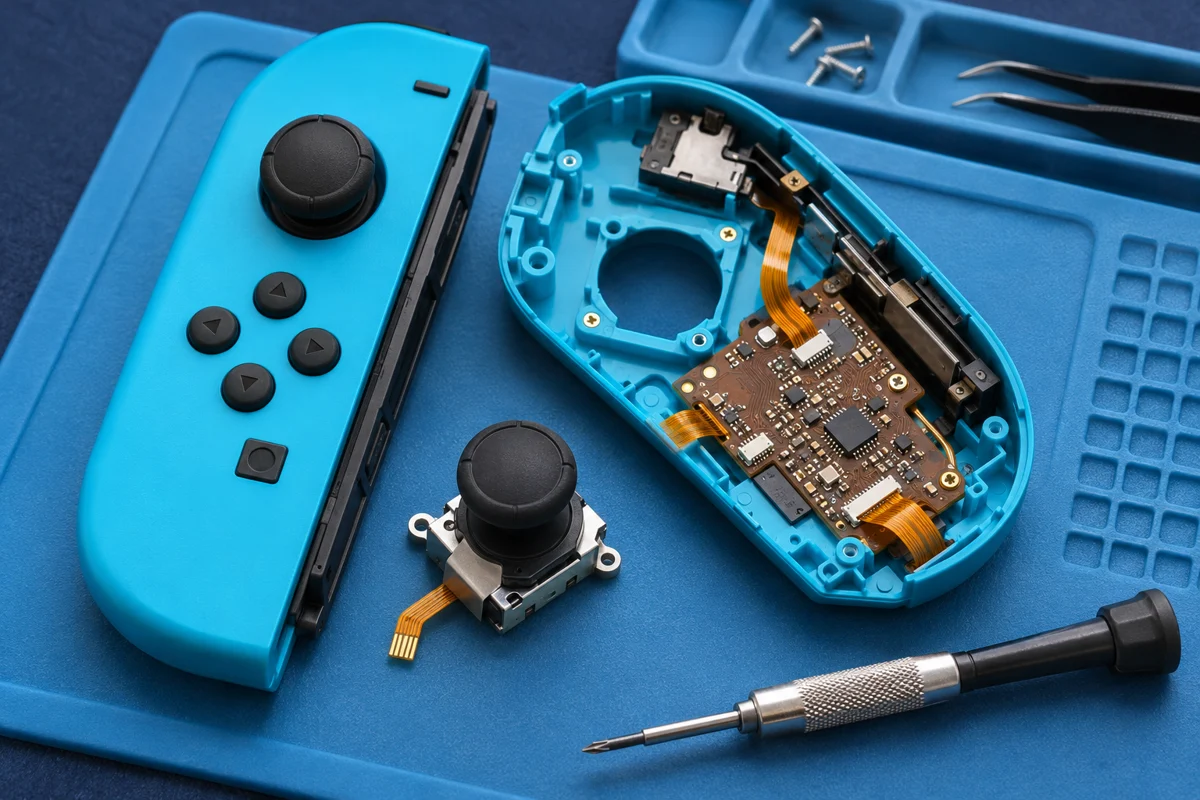
If your character moves on its own, the camera drifts, or a stick stops responding, bring the affected controller or console in. We check the controls and replace a faulty joystick when needed.
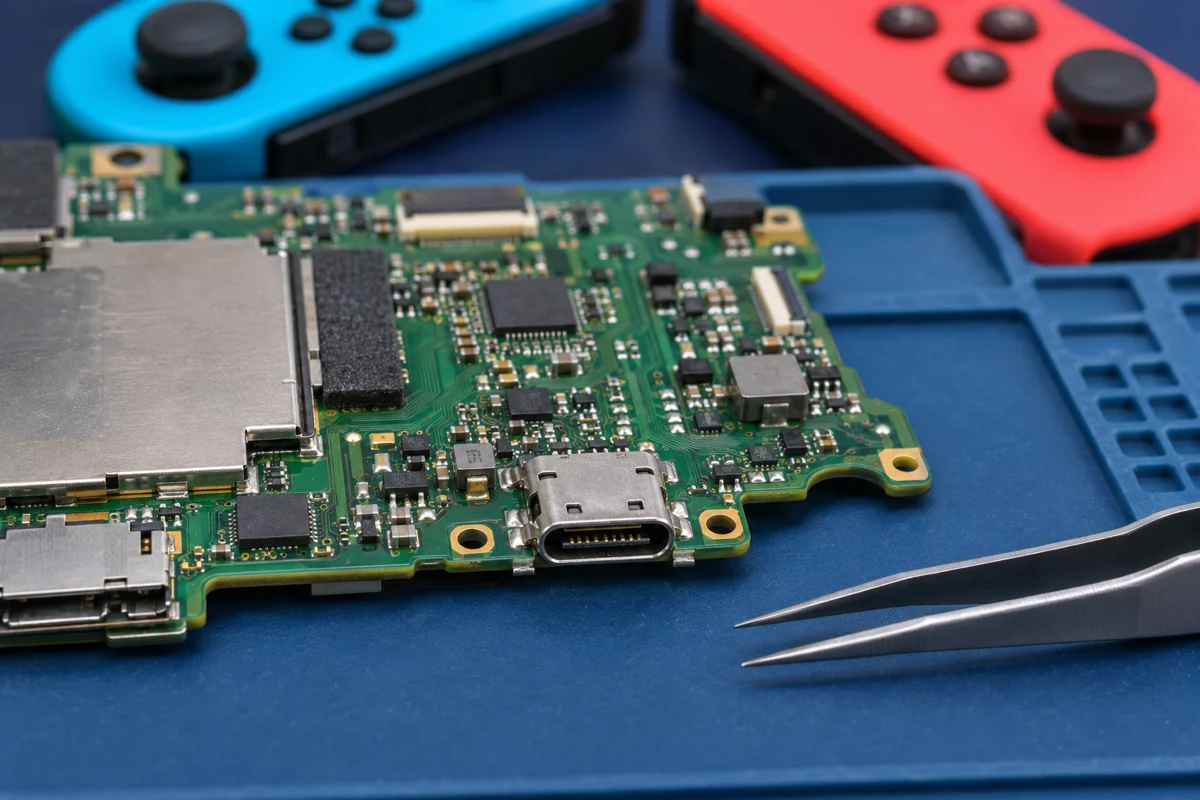
A Switch that will not charge can have a damaged port, an adapter problem, or a fault elsewhere in the charging circuit. We inspect the USB-C connection and replace damaged charging ports when that is the repair needed.
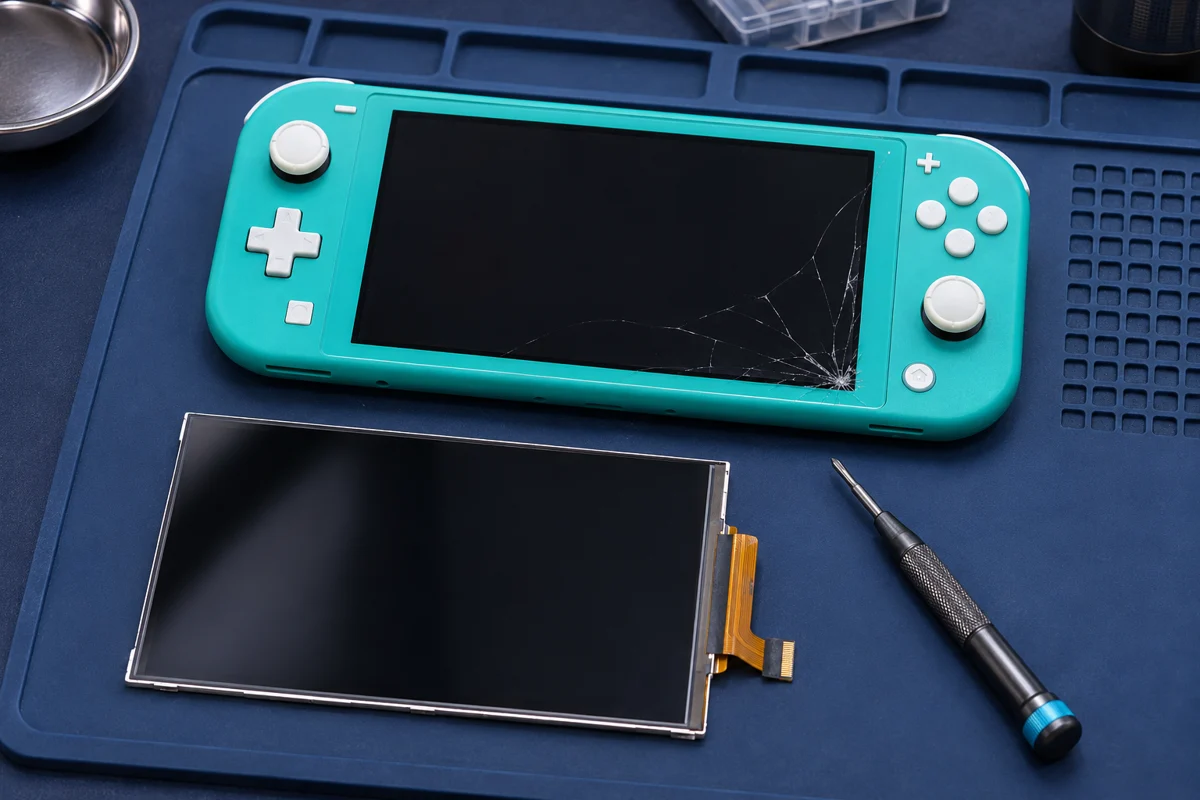
Cracked glass, lines across the picture, a dark display, or touch that no longer responds can make handheld play difficult. We inspect the screen and confirm the replacement needed for your Switch model.
Let us know if you have an original Switch, Lite, or Switch 2. Describe drift, charging trouble, screen damage, or the behavior you want checked.
We inspect the device and explain the proposed repair, parts needed, and expected timing. You decide whether to go ahead.
At pickup, we explain the completed work and checks. Ask us about the controls, display, or charging behavior you noticed before the repair.
Yes. We offer joystick replacement, charging-port replacement, screen replacement, and troubleshooting for these models. The parts, quote, and repair approach depend on the model and fault.
Yes. We replace faulty joysticks in original Joy-Con, Joy-Con 2, and the built-in controls on Switch Lite. Tell us which stick is affected and whether it drifts, sticks, or does not respond.
Sometimes, but not always. The adapter, battery, USB-C port, or charging circuit can be involved. We inspect the console before recommending a port replacement.
Yes. Bring the console in so we can assess the glass, display image, and touch response, then confirm which screen replacement your model needs.
For joystick problems on a detachable controller, bring the affected Joy-Con or Joy-Con 2 and ask whether the console is needed too. Bring the whole Switch Lite for built-in control repairs. For charging or power problems, bring the console and the charger you use.
We provide a quote based on the model, symptoms, and parts required. Contact us with the details or book a repair visit to discuss timing before approving the work.
Visit our Anaheim team for joystick, charging-port, and screen replacements, or help tracking down a fault.
 Controls
 Charging
 Diagnosis
 01
 Call the repair shop
 Book a Switch repair