
September 6, 2026 · Anaheim Cell Phone Repair Blog
Why Your Laptop Runs Hot and When It Needs Repair
Warmth is normal during demanding work, but persistent heat, fan noise, and slowdowns can signal that a laptop needs attention.
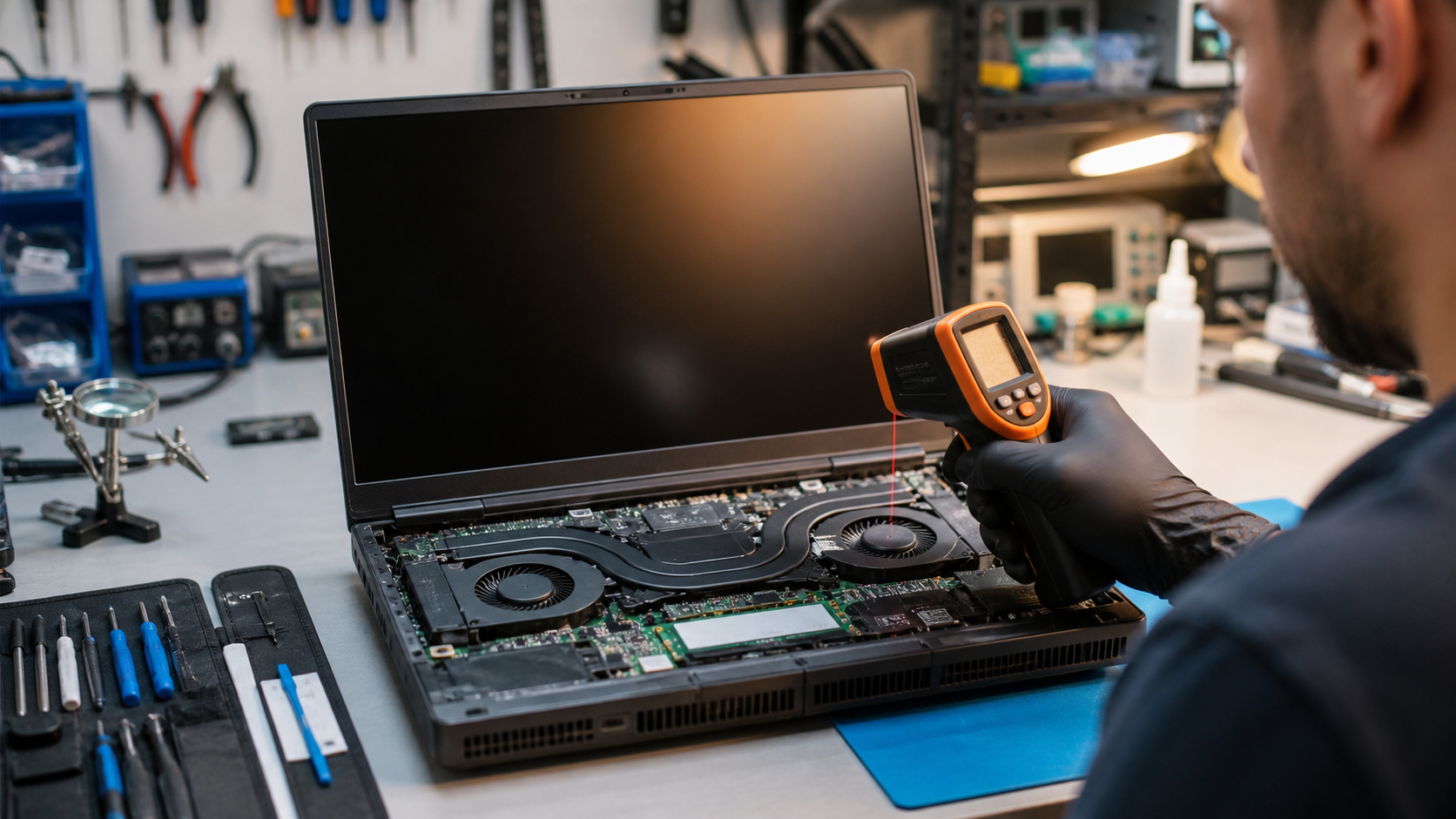
Separate normal heat from a warning sign
Video calls, games, photo editing, and software updates can make a laptop warm. More concerning signs include frequent shutdowns, a fan that runs at full speed while idle, a burning smell, a swollen battery, or a case that becomes too hot to use comfortably.
Start with airflow
Use the laptop on a hard, flat surface so its vents are not blocked. Shut it down, unplug it, and check the exterior vents for obvious dust. Avoid forcing compressed air or tools into the device if you are not comfortable opening it safely; small parts and fans can be damaged.
When a technician can help
A professional diagnostic can check the cooling fan, internal dust buildup, thermal materials, battery condition, and background load. Back up important files before service, because heat-related symptoms can sometimes appear alongside storage or power issues.