


 Diagnosis first
Microphone opening cleaning and inspection
After diagnosis, ACPR may use microphone opening cleaning and inspection when testing shows that path matches the a Samsung Galaxy phone symptom and physical condition.
When callers cannot hear a Galaxy phone, recordings and call modes help separate settings, blocked openings, and microphone hardware. ACPR checks the exact Galaxy model and observed behavior before explaining repair choices.
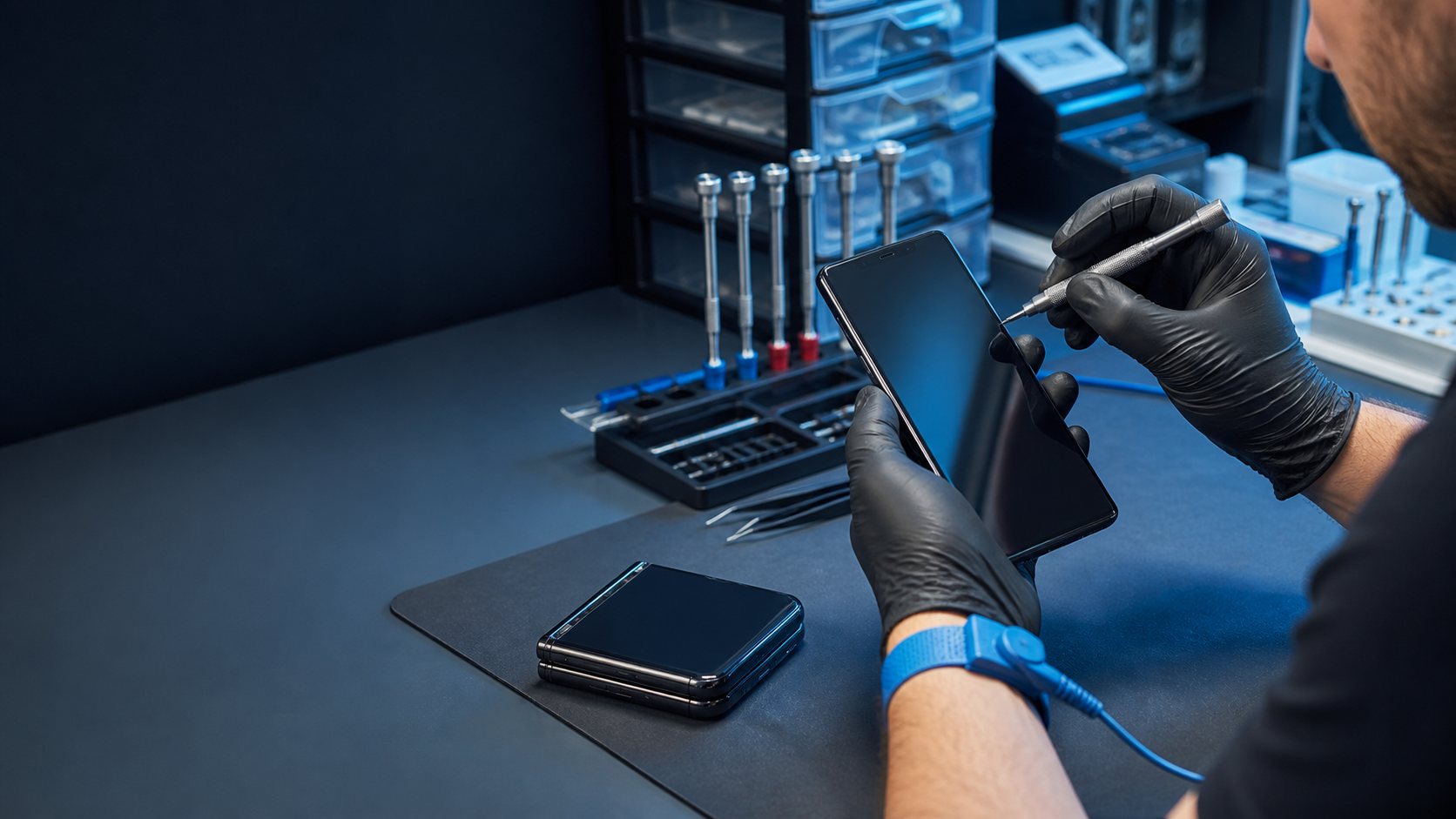
One app or call mode may fail while another recording works, or every microphone test may sound distant, noisy, or silent. On a Samsung Galaxy phone models, the exact pattern and what still works help separate a visible symptom from the part that actually needs service.
Use observations that protect the phone and make the in-store diagnosis more useful.
Record a short voice memo, test a normal and speakerphone call, disconnect Bluetooth, and remove any case covering an opening. Record what happens, when it happens, and whether a known-good accessory changes it. Back up the phone while it is stable enough to use.
Do not insert tools into microphone holes or assume one failed app proves the microphone part has failed. Do not open the phone, force connectors, erase it, or keep stress-testing a wet, swollen, unusually hot, or physically damaged device.
Bring the phone, its exact model information, and the cable or accessory involved when practical. Tell ACPR about impact, liquid, heat, updates, and previous repairs.
These are possible repair paths, not a diagnosis. ACPR tests the exact phone and explains which option fits before work begins.
After diagnosis, ACPR may use microphone opening cleaning and inspection when testing shows that path matches the a Samsung Galaxy phone symptom and physical condition.
When the first component tests normally, microphone or charging-flex replacement can help identify a connector, accessory, power, or related hardware issue without replacing parts by guesswork.
Audio routing and board-level diagnosis may be appropriate when impact, liquid, corrosion, or a deeper electrical fault is involved. ACPR explains practical limits before work begins.
ACPR checks the exact Samsung Galaxy model, including Galaxy S, A, and Note families as well as Z Flip and Z Fold devices. OLED, frame, port, hinge, and biometric layouts differ across models.
A case, debris, liquid, impact, permission or audio-routing settings, a microphone assembly, flex cable, or board connection can affect outgoing sound. The symptom alone does not confirm one failed part, which is why model and device testing matter.
Record a short voice memo, test a normal and speakerphone call, disconnect Bluetooth, and remove any case covering an opening. Stop using it if there is swelling, unusual heat, odor, smoke, exposed sharp glass, or recent liquid exposure.
Depending on the diagnosis, possible paths include microphone opening cleaning and inspection, microphone or charging-flex replacement, audio routing and board-level diagnosis. The exact recommendation depends on the model and condition.
Call, text the symptom, get directions, or reserve a repair time with the exact model and what changed.

 Book a repair