
October 12, 2026 · Anaheim Cell Phone Repair Blog
Game Console Will Not Display Video? What to Check
No video from a game console can be caused by the display setup, HDMI cable, port, or console hardware. Start with the safest checks.
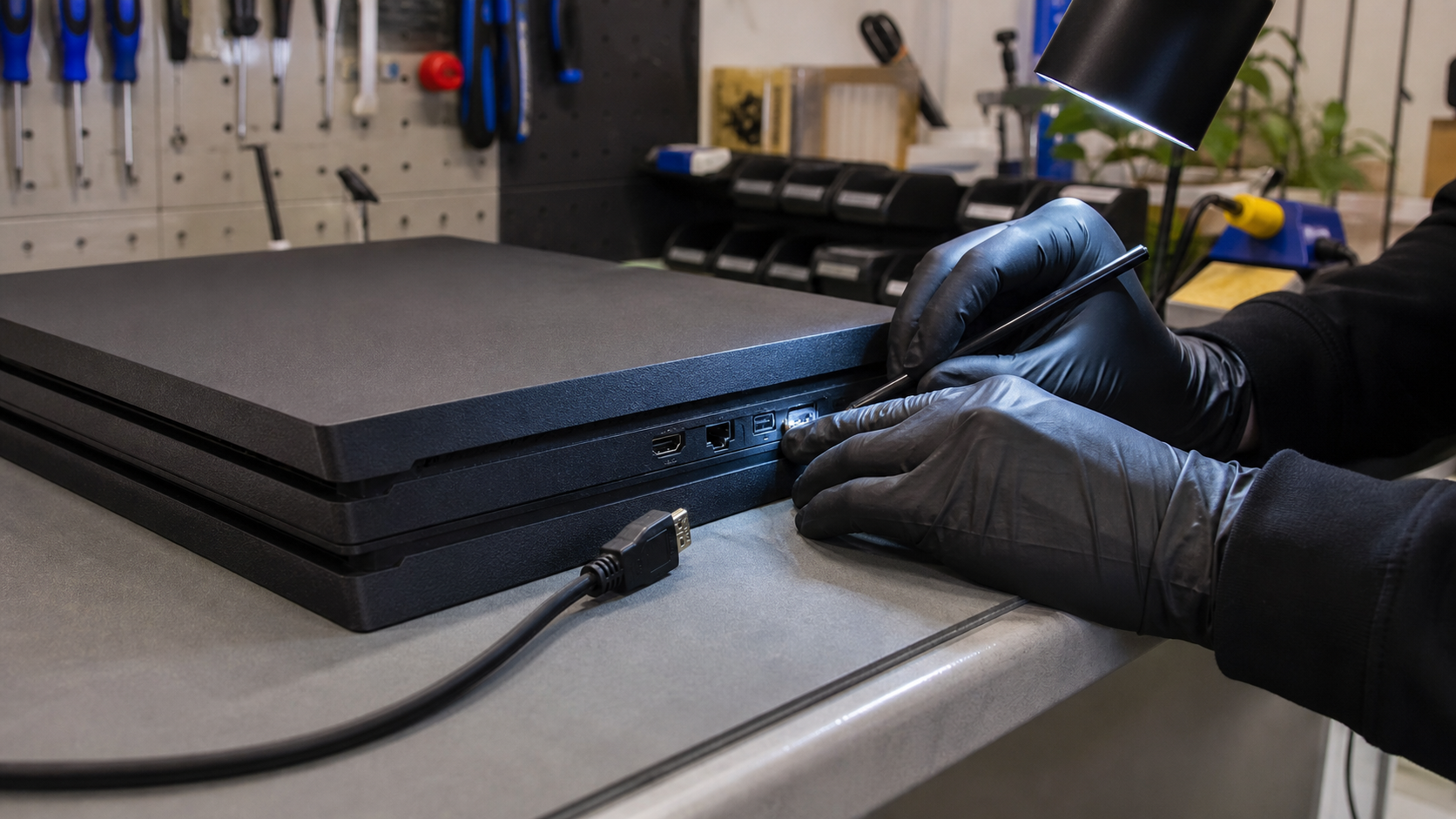
Test the display path first
Confirm the TV or monitor is on the correct input, then try a different known-good HDMI cable. If possible, test the console on another display. Avoid bending the cable sharply or forcing the connector into the port; a loose fit or damaged HDMI cable can create an intermittent signal.
Watch for the console’s behavior
Notice whether the console powers on normally, shows a light pattern, makes startup sounds, or shuts off quickly. Those details help distinguish a video-path issue from a wider power or startup problem. Follow the manufacturer’s official safe-mode guidance for your exact model if it is appropriate.
When to have the port inspected
Bring the console in if multiple good cables and displays still show no signal, the HDMI port looks bent or loose, or the problem began after a drop. A technician can inspect the port and internal video connection, then recommend the right next step.