
October 8, 2026 · Anaheim Cell Phone Repair Blog
How to Handle a Laptop That Will Not Turn On
A laptop that will not start may have a simple power issue or a deeper hardware fault. Start with safe checks and protect your files.
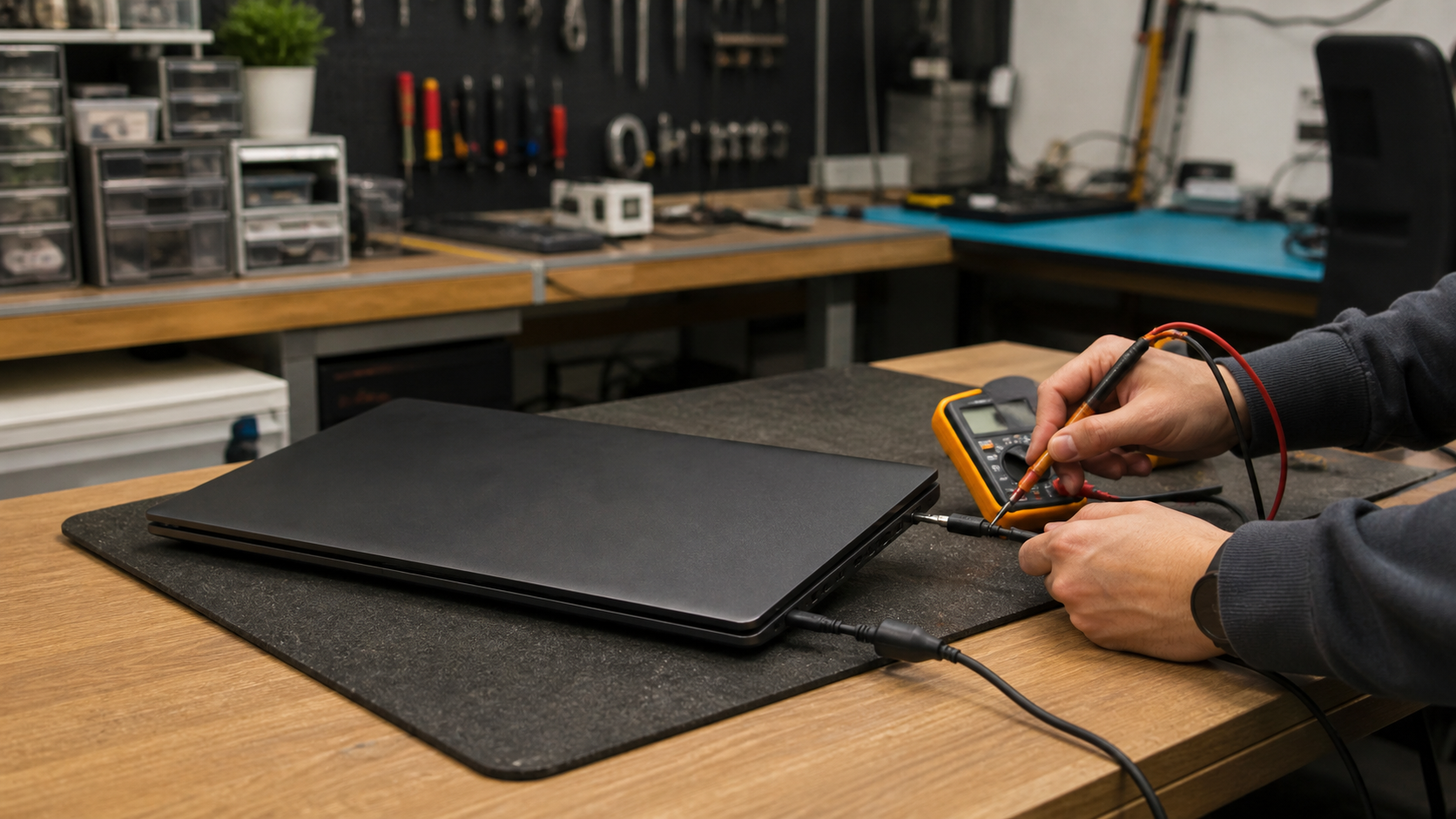
Look for signs of power
Check whether any charging light, keyboard light, fan movement, or screen backlight appears. Try a known-good outlet and inspect the charger for cuts, bent connectors, heat, or a loose fit. If the laptop uses a removable battery, do not force it out unless you know the model’s safe procedure.
Separate the screen from the startup problem
A laptop can be running even when its display stays black. Listen for startup sounds and, if appropriate, test an external display. Do not repeatedly force power cycles if you notice a burning smell, a swollen battery, liquid exposure, or unusual heat.
Bring useful details to a diagnostic
Note what happened before the issue began: an update, a drop, a charger problem, or a warning message. A technician can test the charging circuit, battery, screen, storage, memory, and main-board power path, then explain the repair options clearly.