
October 4, 2026 · Anaheim Cell Phone Repair Blog
Why Your Phone Speaker Sounds Quiet or Muffled
Quiet phone audio can come from settings, debris, moisture, or a failing speaker. These safe checks help narrow it down.
Rule out the simple settings
Check the volume while playing media, make sure Bluetooth is disconnected, and confirm the phone is not in a sound-limiting mode. Test more than one app and try a phone call on speakerphone, because an issue limited to one app may not be a hardware problem.
Keep the speaker opening clear
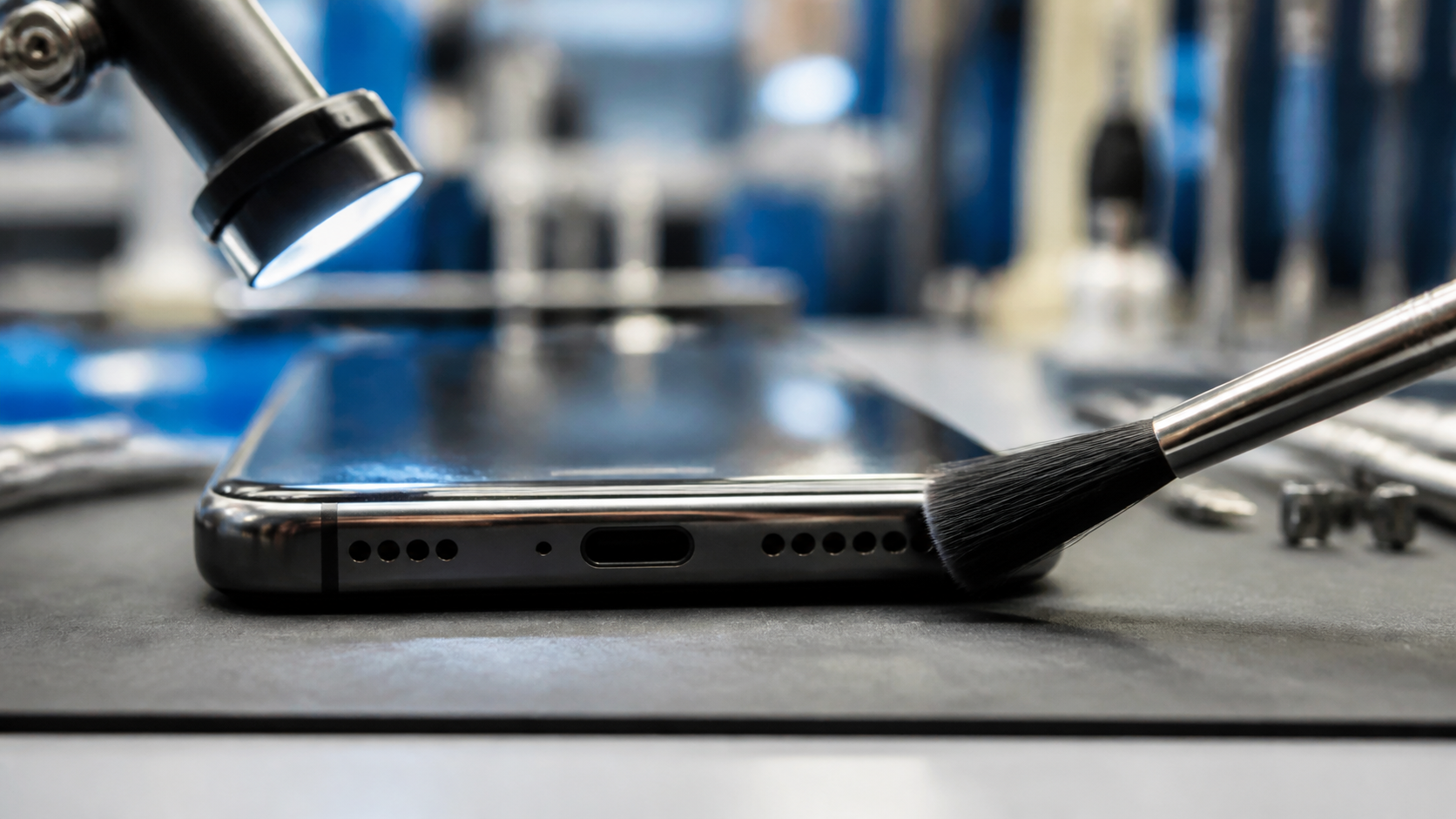
A case, screen protector, pocket lint, or dried residue can muffle audio. Remove the case and inspect the speaker grille under good light. Use a dry, soft brush only on the exterior surface. Avoid liquids, sharp objects, and compressed air close to the opening, which can push debris farther inside.
Know when it needs service
Bring the phone in if audio stays weak across calls, music, alarms, and videos; becomes distorted; or changed after a drop or water exposure. A technician can check the speaker, mesh, connectors, and related audio systems without guessing.