
October 26, 2026 · Anaheim Cell Phone Repair Blog
Phone Earpiece Is Quiet but Speakerphone Works
When speakerphone is clear but voices at your ear are faint, compare call volume, Bluetooth, the receiver grille, cases, liquid history, and earpiece hardware.
The direct answer
If speakerphone sounds normal but the voice at the top earpiece is faint or silent, the call and network are reaching the phone. The problem may be specific to audio routing, call volume, an obstructed receiver mesh, the earpiece speaker, liquid, impact, or a nearby internal connection. Comparing modes gives better evidence than simply turning every volume slider up.
The practical goal is not to guess a part from one sentence. It is to identify the exact behavior, protect the phone and its data, rule out safe external causes, and decide whether manufacturer, carrier, accessory, software, or repair-shop help is the right next step. That order can prevent unnecessary parts and gives a technician a clearer starting point.
Describe the pattern before changing the phone
Test more than one call and location. During an active call, adjust call volume, disconnect Bluetooth, and compare normal earpiece audio with speakerphone. Note crackling, distortion, intermittent sound, screen-proximity behavior, and whether the issue followed a screen repair or drop. Some audio failures affect only one mode.
Write the observation in plain language: what you were doing, what changed, what still works, and what makes it better or worse. Include the exact model rather than only “iPhone” or “Galaxy,” because display construction, ports, buttons, cameras, batteries, flex cables, and biometrics vary. If another person helps reproduce the issue, protect private messages, photos, notifications, and account information from the recording.
Why more than one cause can look the same
A case or screen protector can partly cover the receiver. Skin oil, dust, or adhesive can obstruct the grille. Liquid can muffle or damage the speaker. Impact, display work, an earpiece assembly, flex cable, proximity hardware, or board-level audio path can also be involved.
A symptom page can explain likely categories, but it cannot confirm which component has failed. Two phones with the same customer description may need completely different work. One might have an accessory or obstruction issue, another a modular part failure, and another a connection or board problem. The history of impact, liquid, heat, prior repair, and software change helps determine which tests are useful first.
Safe checks you can do first
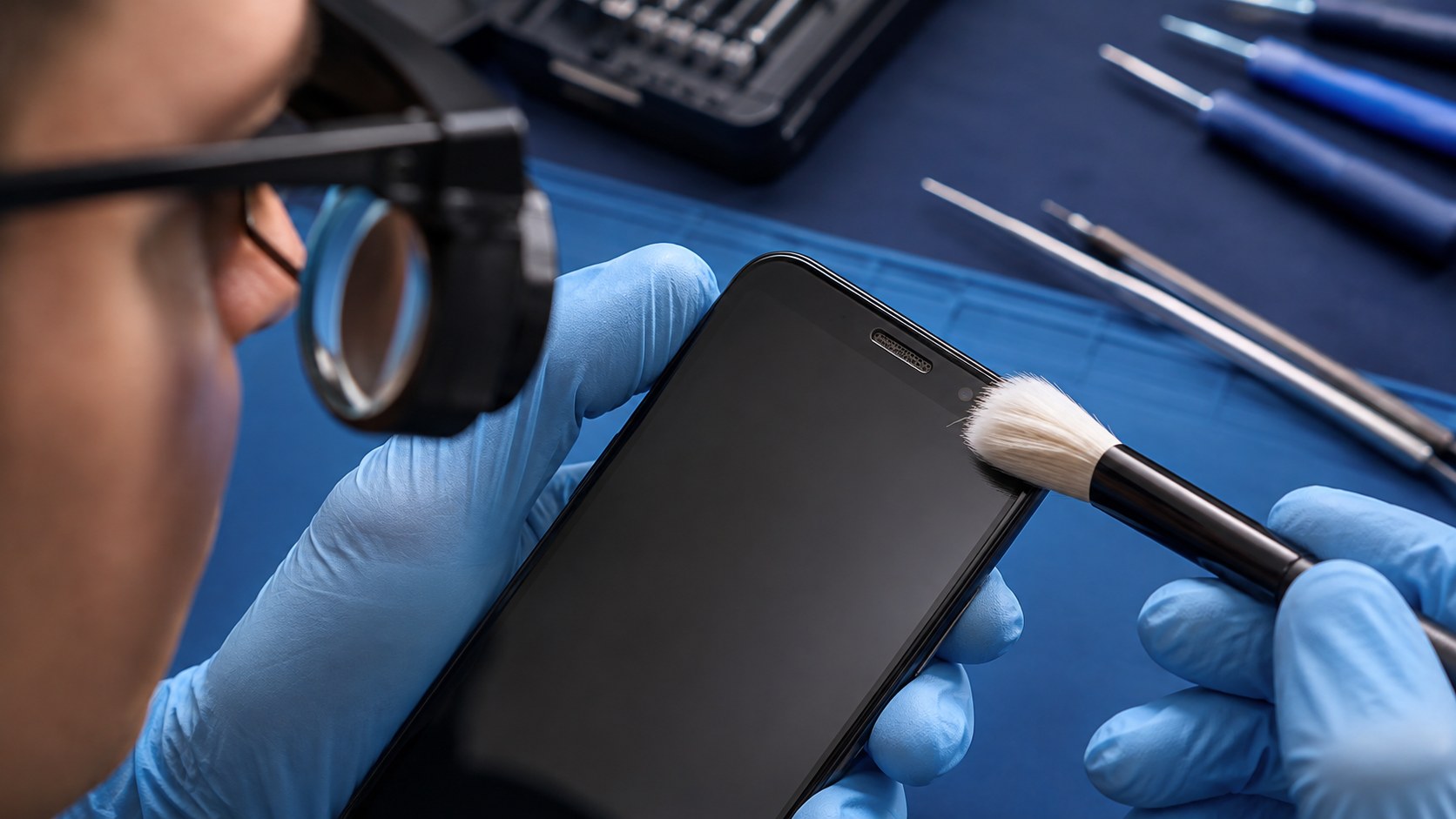
Remove a blocking case or protector when it can be done safely, verify Bluetooth is disconnected, and test a second call. Use a small clean soft dry brush only on the exterior grille, following current manufacturer cleaning guidance. Restart once and install official updates when the phone is dry and otherwise stable.
Keep tests short and reversible. Use only accessories that are compatible and in good physical condition. If the phone is usable, make a current cloud or computer backup and confirm its date. Keep account passwords, carrier PINs, and banking credentials private. A technician may need you to unlock the phone for a supervised functional test, but that is different from sharing account credentials.
What not to do
Do not use needles, metal picks, liquid, putty, glue, or high-pressure air on the mesh. Do not push debris farther into the receiver. Avoid maximum-volume test loops if the speaker crackles, and stop normal use if liquid, heat, swelling, or lifting glass is also present.
Internet shortcuts often hide the symptom briefly or add damage. Opening the phone without the right parts, adhesive, tools, and model instructions can affect cables, seals, batteries, and biometrics. A factory reset can erase local information and should not be the first response when the symptom may be hardware-related or when the data has not been backed up.
What a useful diagnosis checks
ACPR can compare earpiece, loudspeaker, microphone, Bluetooth, and media behavior, then inspect the grille, speaker, relevant flexes, display fit, and liquid history. This determines whether careful cleaning, earpiece replacement, connection work, or deeper audio diagnosis makes sense.
A useful result explains what was observed, what was ruled out, which repair path is supported, and what remains uncertain. Ask whether the suggested work addresses the symptom you reported, whether other damaged functions were found, what data precautions apply, and what price, timing, part, and warranty terms apply to your exact repair before authorizing it.
Example repair paths ACPR may discuss
Potential work includes exterior receiver cleaning, earpiece speaker replacement, screen/earpiece assembly inspection, flex or connector repair, liquid-damage treatment, or board-level audio diagnosis. On some iPhone generations, Face ID-related components require special care; Galaxy models vary in receiver and display integration.
These examples are possibilities, not promises. ACPR does not quote a universal outcome from a web page because condition and model matter. If testing shows that a carrier account, application, accessory, or manufacturer-specific software process is the better next step, a clear referral can be more useful than replacing hardware that tested normally.
Prepare for a productive visit
Bring the phone, exact model, and a description of which call modes work. Note whether headphones are clear and whether media audio is normal. Keep passcodes and account credentials private, but be available to unlock the phone for a supervised test. Back up before hardware service when possible.
Remove payment cards and personal accessories unless they help reproduce the problem. Photograph the outside condition when practical. If the phone is used for work, authentication, travel, or health access, plan for the possibility that it may need to remain powered down or at the shop during diagnosis. Do not rely on a damaged phone as the only copy of critical information.
Check current official instructions
Apple’s current speaker guidance recommends checking cases and openings and using a clean dry soft brush; Samsung instructions vary by model. Follow the current manufacturer page and avoid internet cleaning hacks that put material through the mesh.
Official instructions are especially important for button combinations, recovery screens, moisture protections, software updates, backups, and account locks. Read the warning text before selecting any action. “Update,” “repair,” “reset,” and “restore” are not interchangeable, and some paths may remove data or require the owner’s account access.
Anaheim and Orange County repair help
Anaheim Cell Phone Repair serves customers who need a local explanation of a phone symptom before deciding on service. Start with the page that matches the device and problem: iPhone earpiece symptom page, Galaxy earpiece symptom page, or [call ACPR](tel:+17142026732). Share the exact model, what changed, what still works, and any drop, liquid, heat, charging, or previous-repair history.
Call **(714) 202-6732** when you prefer to speak with the shop, use the text page when a photo or short symptom description is more useful, or reserve a visit through the booking page. ACPR confirms the model, diagnosis, repair recommendation, current price, timing, and applicable repair terms before authorized work begins.