
August 23, 2026 · Anaheim Cell Phone Repair Blog
Phone Battery Draining Fast? Start With These Checks
Fast battery drain can come from settings, apps, aging hardware, or heat. A few careful checks can make the cause clearer.
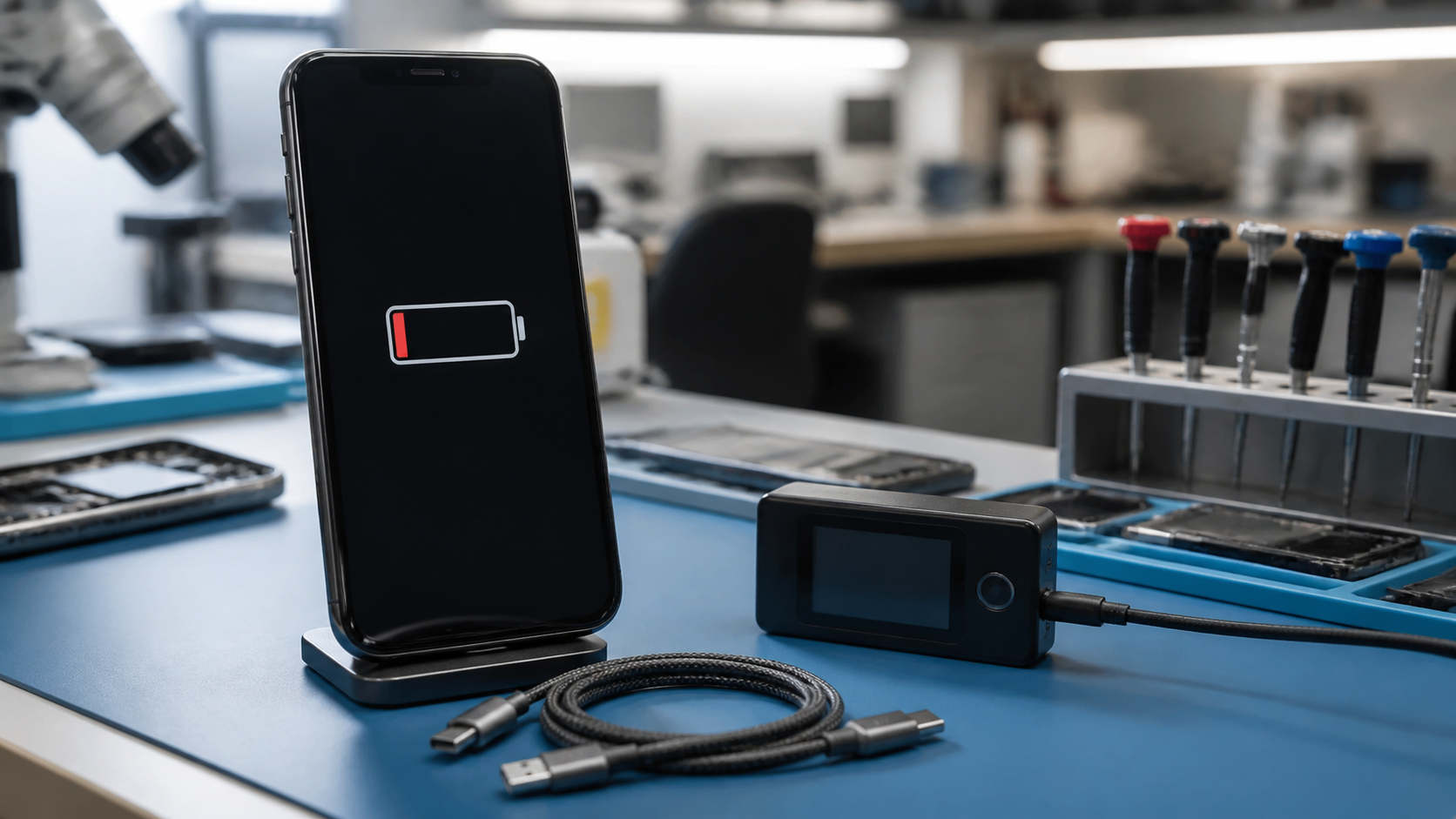
Look for recent changes
Start with the battery section in your phone settings. See which apps used the most power since the last full charge, then consider whether a new app, update, weak signal area, or extra screen time changed your routine. Closing unused apps and installing pending updates may help, but a sudden decline that persists deserves closer attention.
Keep heat in mind
Heat shortens battery life in the moment and can speed up long-term wear. Remove a heavy case while charging if the phone feels warm, avoid leaving it in a hot car, and use a reliable charger. Stop using the device and seek service if the battery swells, the screen begins lifting, or the phone becomes dangerously hot.
Know when to ask for a diagnostic
An older battery can lose capacity gradually, while unexpected shutdowns, percentage jumps, or charging problems may point to a different issue. A technician can test battery health and charging behavior before recommending a replacement.